


How to properly use remove_action in WordPress
WordPress is a highly extensible system thanks to its hooks (actions and filters). One of the most common issues when working with actions is the incorrect implementation of the remove_action function, which may fail if not used at the right time. In this article, you’ll learn what remove_action is, how it works, and how to avoid common mistakes.
What is remove_action in WordPress?
The remove_action function is used to remove an action previously added with add_action. Its structure is:
bool remove_action( string $hook, callable $callback, int $priority = 10 )
- $hook: The name of the hook where the action was added.
- $callback: The function you want to remove.
- $priority (optional): The priority at which the action was added (default is 10).
It returns true if the action is successfully removed, or false if it fails.
Basic example of usage
Suppose a theme adds an action to customize your site’s header:
If you want to remove this action from a plugin or child theme, you can do so with:
<?php
remove_action( 'wp_head', 'custom_header' );
However, this code might not work if it doesn’t run at the correct time, which brings us to the next section.
Common mistakes when using remove_action
One of the most frequent issues occurs when remove_action is executed:
- Too Early: The action has not yet been added.
- Too Late: The action has already been executed.
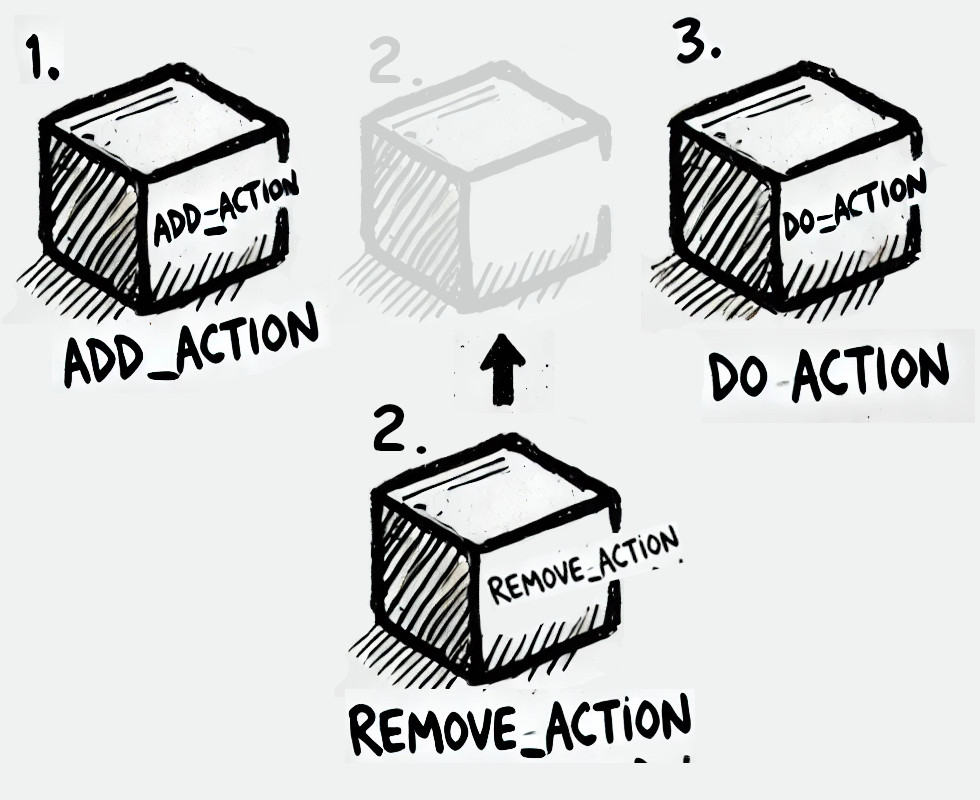
Problem 1: Executing remove_actiontoo early
This happens when remove_action is called before the add_action registers the action in the system.
How to fix It:
Make sure remove_action is executed after the action is added. You can achieve this by using the same hook with a lower priority.
Example:
<?php
add_action( 'after_setup_theme', 'remove_custom_header', 20 );
function remove_custom_header() {
    remove_action( 'wp_head', 'custom_header' );
}
In this case, remove_custom_header will run after the theme has added custom_header to wp_head.
Problem 2: Executing remove_action too late
This happens when remove_action is executed after the hook has already been triggered. For example, if you try to remove an action from wp_head after it has been processed, it will be ineffective.
How to fix it:
Check WordPress’s hook order to ensure remove_action runs before the hook is executed.
Example:
<?php
add_action( 'init', 'remove_custom_header_init' );
function remove_custom_header_init() {
    remove_action( 'wp_head', 'custom_header' );
}
Final recommendations
- Use Priorities Strategically:
- When using
add_actionorremove_action, explicitly specify the priority to avoid conflicts.
- When using
- Check Hook Order:
- Use tools like the Query Monitor plugin to inspect which actions and filters are being executed, and in what order.
- Use Conditionals If Needed:
- If you need to remove an action on specific pages, use conditionals like
is_page()oris_singular().
- If you need to remove an action on specific pages, use conditionals like
- Avoid Removing Critical Actions:
- Before removing an action, ensure it won’t affect the site’s core functionality.
With these tips, you’ll be able to use remove_action effectively, avoid errors, and keep your WordPress site’s functionality under control. If you need additional help, feel free to reach out! 😊
